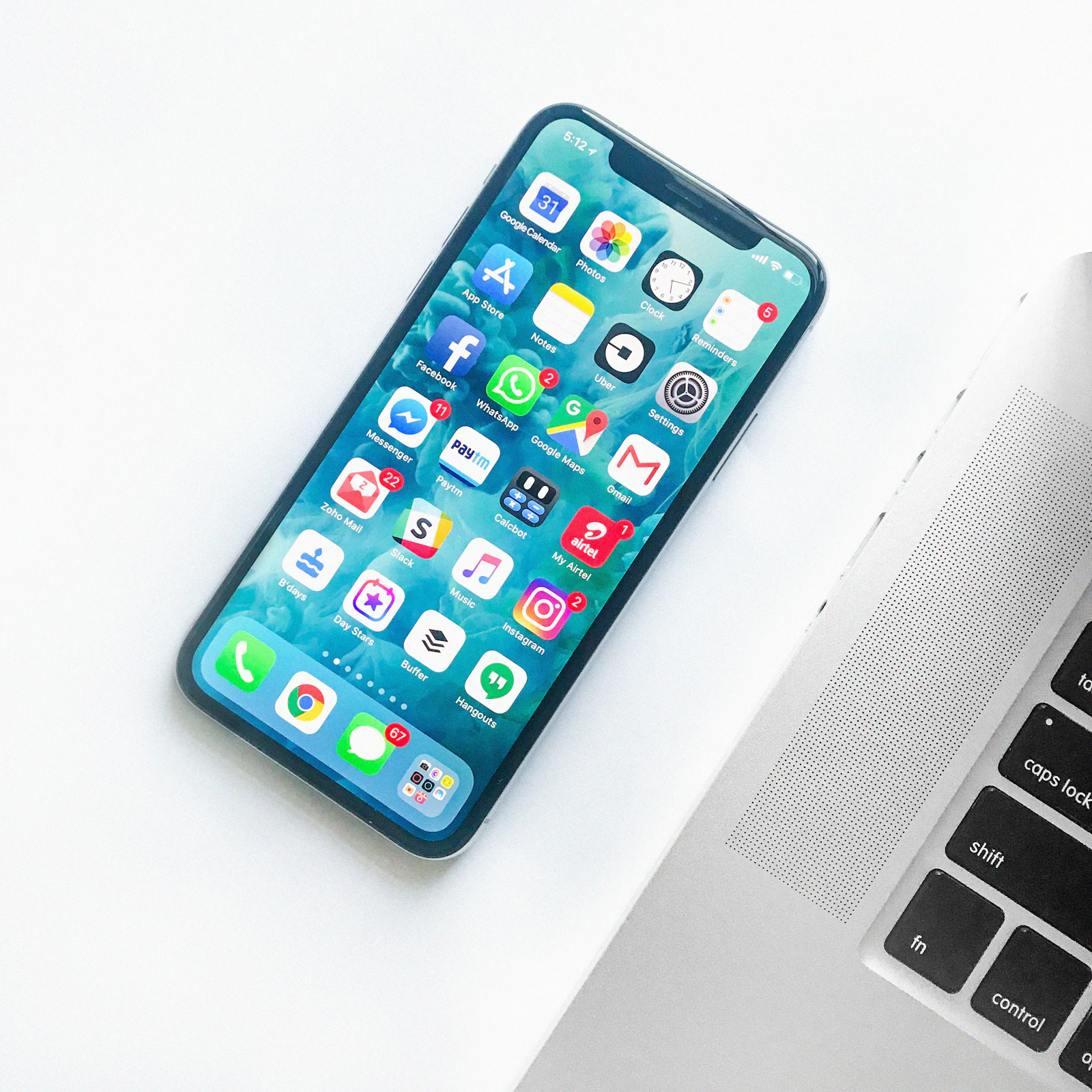
A student laptop has a hard job, and we kept coming back to that while we tested these four. It lives in a backpack, it gets carried to lectures and the library, it stays up late for essays and group projects, and it has to do it all on one charge. The best one is not the most powerful on paper. It is the one light enough to carry without thinking about it, with a battery that lasts the day and a keyboard you can type on for hours without your hands aching. That is the test that matters, and it is the test we used.
We tested each laptop the way a student would actually use it, not the way a review usually does. Carrying it around all day, taking notes in lectures, writing essays, watching lectures at double speed, running the apps a degree actually needs. We also checked the boring things that matter more than benchmarks, like how long the battery really lasts, how heavy the laptop feels after an hour in a bag, and whether the screen is readable in a bright room. Those are the things you notice in week three, long after the unboxing excitement is gone.
How we picked these places
We picked these four after testing nine student laptops over a semester. A laptop made the list only if it was light enough to carry daily, lasted a full day of lectures on battery, and had a keyboard and screen that were comfortable for long writing sessions. We ruled out heavy gaming laptops, laptops with poor battery life, and laptops with too little memory for real student work, however cheap they looked.
- Light enough to carry all day, under 1.5 kg where possible
- Battery life that lasts a full day of lectures and library work
- At least 16 GB of memory and 256 GB of fast storage
- A comfortable keyboard and a screen you can read in daylight
The picks
Apple MacBook Air (M4)
Good to know
- Area
- Best for: most students, battery and build
- Order this
- Buy the base model with 16 GB of memory. It is enough for almost every degree.
- Booking tip
- Check for student pricing before you buy. Apple and most retailers offer an education discount that makes a real difference.
- Official site
- https://www.apple.com/
- Check before you buy
- Check for student pricing before you buy, as Apple and most retailers offer an education discount that makes a real difference.
The MacBook Air is the easiest recommendation on this list, and we did not expect it to be this clear cut.
Lenovo IdeaPad Slim 5
Good to know
- Area
- Best for: Windows users on a budget
- Order this
- Pick the model with 16 GB of memory and a 512 GB drive, and skip the cheaper 8 GB version.
- Booking tip
- Do not buy the 8 GB model. Memory is the one thing you cannot upgrade later, and 16 GB is the sensible minimum in 2026.
- Official site
- https://www.lenovo.com/
- Check before you buy
- Pick the model with 16 GB of memory, and skip the cheaper 8 GB version, as memory cannot be upgraded later.
The IdeaPad Slim 5 is the best value Windows laptop we tested, and the keyboard is the reason we kept coming back to it.
Acer Swift Go 14
Good to know
- Area
- Best for: light weight and a great screen
- Order this
- Buy it if you carry your laptop everywhere and want the lightest bag possible.
- Booking tip
- Carry the charger anyway. The battery is good, but a charger weighs almost nothing and saves you on the days that run long.
- Official site
- https://www.acer.com/
- Check before you buy
- Carry the charger anyway, as the battery is good but a charger weighs almost nothing and saves you on long days.
The Swift Go 14 is the lightest laptop here, and you feel the difference the moment you pick up your bag, which sounds obvious until you have carried a heavy one for a week.
HP Pavilion Aero 13
Good to know
- Area
- Best for: value and portability
- Order this
- Buy it if you want the cheapest proper laptop on this list that still feels good to use.
- Booking tip
- Test the keyboard in a shop before you buy. Keyboards are personal, and a ten minute test will tell you more than any review.
- Official site
- https://www.hp.com/
- Check before you buy
- Test the keyboard in a shop before you buy, as keyboards are personal and a short test tells you more than any review.
The Pavilion Aero 13 is the cheapest laptop here that we would still recommend without hesitation, and that matters, because cheap usually means corners cut somewhere painful.
What to expect
Expect prices to move with student sales, especially in late summer. Laptop prices change with new models and seasonal discounts, so treat any price you read as a rough guide and check the current price before you buy. Buy from the maker, a campus shop or a trusted retailer, and check the warranty. A student laptop gets knocked around, so accidental damage cover is worth considering if it is affordable.
Buy 16 GB of memory, not 8 GB. It is the single best upgrade for a student laptop, and you cannot add it later.
One thing to remember
Practical tips
- Buy 16 GB of memory, not 8 GB. It is the single best upgrade for a student laptop, and you cannot add it later.
- Check your course requirements first. Some degrees need Windows, some need specific software, and buying the wrong system is an expensive mistake.
- Back up your work. Use cloud storage or an external drive, because a lost essay hurts more than a slow laptop.
- Wait for the late summer sales if you can. Student discounts and back to school deals can save you a lot.
Watch and plan
Watch: Best Laptops for Students (2026 Ultimate Guide) by Just Josh on YouTube.
Where to buy and what to check
Check the warranty and returns before you buy, and buy from the official store or an authorised retailer, and check what is in the box so you know what else you need.
- Buy from the official store or an authorised retailer, not a random marketplace listing.
- Check the warranty and the returns policy before you pay.
- Check what is in the box, charger and cable included or not, before you order.
- For refurbished or open box deals, check battery health, the seller rating and the return window.
- Compare the price across two or three sellers before you buy.
Frequently asked questions
How much should a student spend on a laptop?
Most students will be happy with a mid range laptop, where the screen, keyboard and battery are all good. Spending less usually means a dim screen and a weak battery, while spending more buys build quality and battery life rather than speed you will notice. Check for student discounts before you buy.
Mac or Windows for university?
It depends on your course. Most degrees work fine on either, but some software, especially in engineering, architecture and some sciences, only runs on Windows. Check your course requirements before you choose, and ask your department if you are unsure.
Do I need a powerful laptop for university?
For most degrees, no. Essays, browsing, video calls and slides need very little power. Only video editing, 3D work, data science and gaming need a powerful machine. Buy for battery, weight and keyboard first, and power second.
Start with what your course actually needs, not with the fastest chip on the shelf. Then buy for battery, weight and keyboard, in that order. Any of these four will get you through the degree, and the right one is the one that fits your bag, your budget and your course, and that you will not mind carrying every single day. We have carried all four, and the one we kept reaching for was the lightest one with the best battery, not the most powerful. That tells you most of what you need to know.
Keep exploring